
 Apple is famous for killing technology that still has a use. For media creators, nothing exemplifies this more than the untimely death of support for creating and burning professional DVDs. DVD Studio Pro was an incredibly flexible and powerful tool for creating DVDs that rivaled the best of Hollywood. But, it died, along with Final Cut Pro 7, eleven years ago. Final Cut Pro X supports DVDs, but only half-heartedly, with numerous bugs and very limited features.
Since that time, I’ve received countless complaints from producers and editors who make their living creating custom DVDs for clients; especially in the wedding and event markets.
None have been more determined to find a solution than Richard Osso. The death of DVD support dramatically affected his wedding videography business. The problem is that no other technology available on a Mac equalled the power, flexibility and ease of use of DVD Studio Pro. Dick spent years asking Apple and other vendors to provide the features available in DVD Studio Pro. No luck.
With his livelihood at stake, Dick went on a mission to find, if not a solution, then a work-around that would allow him to continue creating DVDs for clients. Earlier this month, he finally had one.
Here is his story, told in his words, but edited for clarity.
NOTE: DVD Studio Pro 4 is 32-bit software. It can not run on any version of macOS or Mac hardware currently shipping.
Image courtesy of Matt Mango (Pexels.com)
Hi Larry:
As a videographer, about 40% of my clients still prefer DVDs. About 4 weeks ago, my Mac G5 computer would not open. I prayed that it had not died. Sadly, it had. The following is my experience in recovering a working version of DVD Studio Pro 4.
The biggest issue was that none of the current DVD creation software had the ability to convert the chapter markers created inside FCP X into DVD chapters. Also, the variety of DVD Main Page templates were cartoonish and in my view, terrible.
So this pushed me to find a fix to run DVDSP4, the best Mac DVD authoring program then and now. It was the start of a journey to get an older computer running the right operating system and the right version of DVD Studio Pro with the right installation serial numbers.
This proved to be a long and winding road.
Image courtesy of Photoscom (Pexels.com)
After talking with various support experts, I purchased an older Mac mini for $60. However, its version of macOS was two versions beyond Snow Leopard.
So, I went on eBay and bought 2 copies of Snow leopard. Once they arrived, Apple Support helped me to wipe clean the Mac Mini so I could load Snow Leopard on it. The installed version was 10.6.3.
I tried to load my old copy of DVDSP4, but it asked me for my serial number. I discovered, that after 12-15 years, I had all the discs, but not the serial number to unlock SP4.
I now went back to eBay and, based on the seller telling me those disks worked for him, I purchased his set of FCP disks for $40. Once these arrived, I loaded DVDSP 4 into the Mac Mini.
When completed, I opened DVDSP4 – which CRASHED immediately. Several times. I then reached out to the seller of those disks for guidance and he said that DVDSP4 required a G3, G4, or G5 machine.
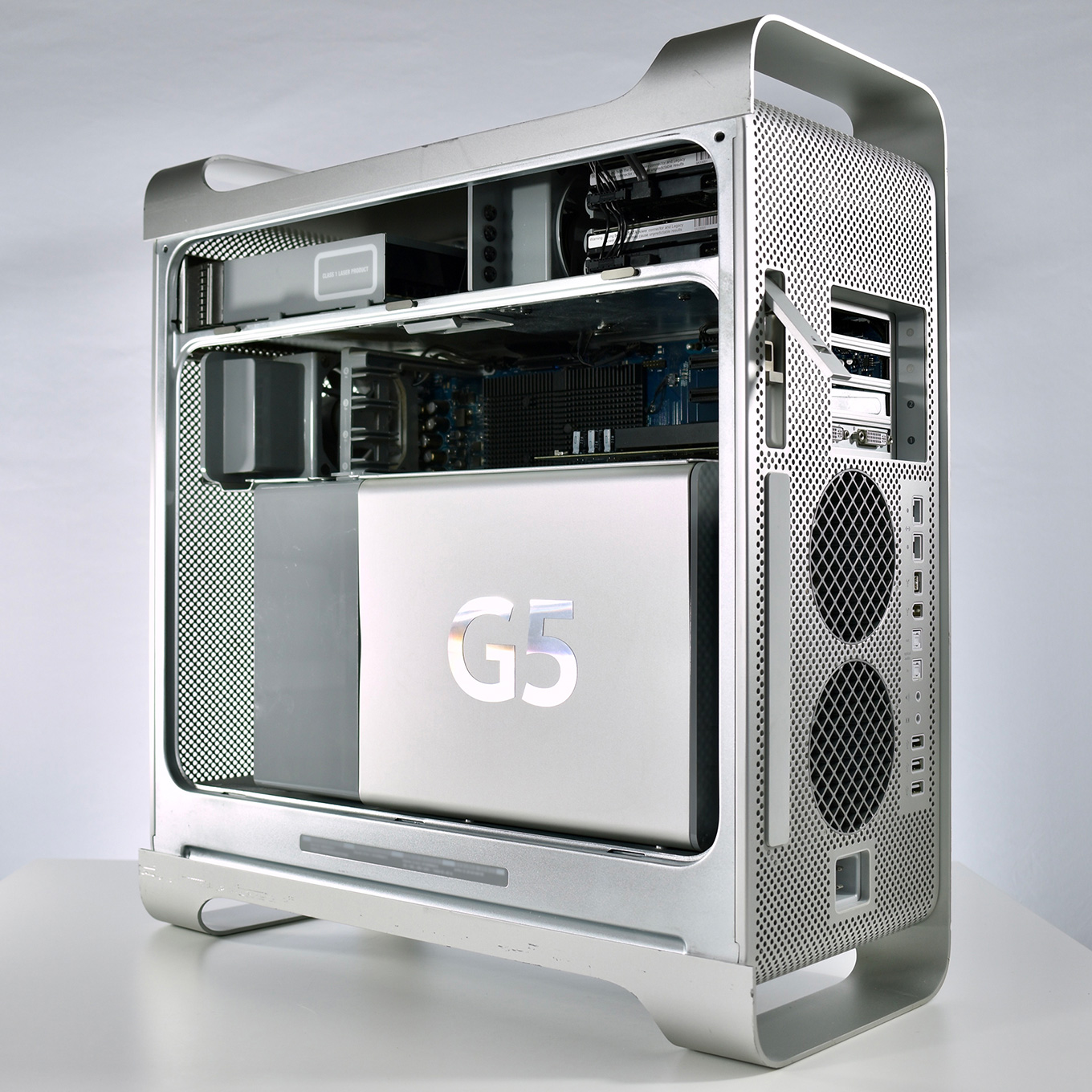
Sigh… time to start over. I needed to replace my dead G5.
I Googled for refurbished computers. My first discovery was a company in California. Being from Boston, I now had to battle the 3-hour time difference. I wrote and spoke with them, and agreed to purchase a G5 machine with enough memory and RAM.
NOTE: Here are the tech requirements for DVD Studio Pro 4
I paid about $350 for this machine, plus $40 in shipping. It arrived about 6 days later with wonderful packing. I opened and installed the G5. Loaded DVDSP4 and launched it.
Once again, it crashed; over and over. I spoke with Larry and he gave me some things to check. I went back into my collection of FCP disks and realized what I purchased was the Academic version of FCP 5.
Larry was helpful in knowing what version of macOS and hardware releases came in sequence. This helped me understand that what I needed were the installation disks for FCP7.
I went back on eBay, and found a full set of FCP 7 disks for $60. When they arrived yesterday, I installed the DVDSP4 Upgrade disk. And I started again to have SERIAL NUMBER issues.
Inside the set of disks, I saw 3 different set of numbers. One set was hand written, and slightly smudged. Tried and tried…..until, I used the last set.
Guess what…..DVDSP4 came back! I took my FCP X DVD project over to the G5 and began the familiar process of authoring a client project.
IT ALL WORKED!
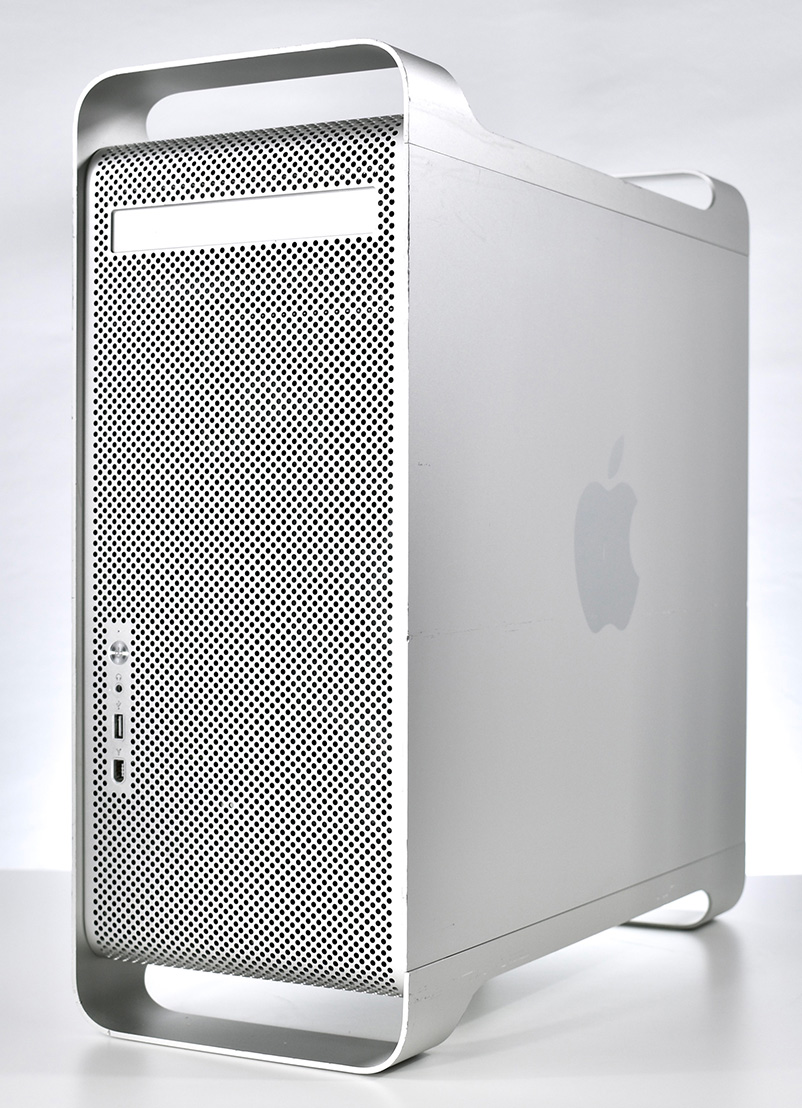 It took me over 4 weeks to figure it out. So, here are the steps you need to take to get a working copy of DVD Studio Pro 4 running.
1. You need a G5 Mac computer. The company I used was DV Warehouse, Inc., 747 Seward St, Los Angelos, CA 90038. Speak with Carol Ravaghi (800) 463-1322 Ext. 21. They have multiple G5 computers.
I paid about $350 plus about $40 shipping from California to Boston
2. Get a copy of Snow Leopard, 10.6 will work, then upgrade if you can to 10.6.6 or 10.6.7.
3. If you have to buy a set of disks because you do not have the serial number, look to eBay for a copy of FCP 7
4. Be sure they come with serial numbers, otherwise, you are locked out.
That’s the formula to success. It took me over 4 weeks, many hours of good Apple Tech Support, many emails from sellers, and the guidance, knowledge and patience of Larry Jordan, that I found my way out of the forest and into the clearing.
I hope this helps anyone in my shoes with clients still wanting to create DVDs. While I expect this computer to only last a couple more years, for now, I’m back in business.
Larry adds: Richard, I was happy to help and DELIGHTED that you have a working system again.

2,000 Video Training Titles
Edit smarter with Larry Jordan. Available in our store.
Access over 2,000 on-demand video editing courses. Become a member of our Video Training Library today!
Subscribe to Larry's FREE weekly newsletter and
save 10%
on your first purchase.

43 Responses to The Incredible Saga to Get DVD Studio Pro Running… Again
← Older Comments Newer Comments →-
 Larry says:
January 16, 2023 at 6:24 am
-
 Larry Jordan says:
January 16, 2023 at 6:48 am
-
 Eric Dean Freese says:
January 16, 2023 at 6:57 am
-
 Larry Jordan says:
January 16, 2023 at 7:05 am
-
 Rick Foxx says:
January 16, 2023 at 8:07 am
-
 Larry Jordan says:
January 16, 2023 at 8:12 am
-
 Clayton Moore says:
January 16, 2023 at 9:10 am
-
 Tony Palacio says:
January 16, 2023 at 10:35 am
-
 Jacquie Greff says:
January 16, 2023 at 10:59 am
-
 Alan Olmstead says:
January 16, 2023 at 11:18 am
← Older Comments Newer Comments →Ed.
Good to know. Thanks.
Back when I was actively supporting FCP 7 I found the most reliable OS version was 10.6.7.
I simply extrapolated that to DVD SP.
Thanks,
Larry
Robert:
Well…. the answer is more nuanced than that. You can create DVDs using Final Cut Pro/Compressor. However, these DVDs only support one movie file, have limited design capability for menus and don’t support stories, multiple video tracks, or multiple audio tracks.
NOTE: DVD creation using Roxio Toast and Wondershare DVD Creator is equally limited in terms of movies, chapter marker support, stories and multiple audio/video tracks.
You can’t run DVD Studio Pro on current hardware or the current macOS. But you can, as Dick discovered, run it on older systems. This means you could get a G-5 for DVD burning, while editing your project on your favorite NLE using today’s computers and software.
Creating USB thumb drives is trivial – simply copy the files from your computer to the thumb drive. But this won’t support menus or other DVD-related controls.
BIG NOTE: Keep in mind that DVDs are ALWAYS standard-def video. If you want to use high-def, you’ll need to create Blu-ray Discs. Which is another sad story all together,
Larry
I have DVDSP4 working on a Mid 2012 Mac Pro running Sierra 10.12.6, so if you have one of those sitting around, you don’t have to go all the way back to a G5 with Snow Leopard.
Eric:
Excellent update. Thanks!
Larry
I deliver DVDs for nearly all my clients. I’m running DVDSP on a 2008 Mac Pro running OSX Yosemite. Aside from a minor interface bug, everything runs very smoothly. I also produce Blu-rays for a few clients using Adobe Encore CS6 (perpetual license) running on the same machine.
It’s really a shame that Apple killed off DVDSP in its prime. It’s still the best tool on or off the market, and it would have been even better if Steve Jobs hadn’t crapped on Blu-Ray.
Rick:
Yeah, Blu-ray Discs on the Mac have been a problem forever. Which, sadly, I don’t see any hope of that changing.
Larry
DVD creation using Roxio Toast might yield more options but the documentation around HOW to use that is pretty much non-existent. I thought oh hey YouTube, but nope….the world really is moving on. I guess when DVD/BR W’s start becoming as hard to find as MiniDV Tape, the demand may lesson.
Big Sigh
When I upgraded my internal SSD drive in my Mac Pro (Late 2013), I kept the old SSD drive with the entire (old) MacOS on it, including the full Final Cut Studio install. Whenever I need to author a DVD (which our organization still needs for releasing documentary films), I boot from my old SSD drive (which I enclosed in a case from OWC) and go to work in DVDSP. It’s slightly glitchy, but I am still able to do everything I need to do. I will keep my old trusty Mac Pro (Late 2013) for the sole purpose of working in Final Cut Studio (for opening older FCP projects and/or authoring DVDs in DVDSP). It’s my time capsule from the past that still serves me good today.
I am in a similar position, as I film a lot of dance recitals and families still want DVDs. I switched from DVDSP to Adobe Encore in order to create Blu-ray menus. Encore doesn’t recognize FCP markers, creating extra work. I have a low-cost laptop running Yosemite and Encore 5.5. The latest Blu-ray discs I created didn’t work on all players, so I’ve given up and only provide DVDs and flash drives.
Last year, Encore wasn’t working right, creating panic, but I discovered it was because my files were on a shared RAID, which Encore didn’t like. During the panic, I purchased DVDSP again, only to discover that I actually already had it. Encore does seem to be getting “buggy”, however, and I have to do a lot more work to make it happy than I used to.
I’m currently sticking with Encore because I’ve developed a nice template for Encore and it will take too much work to reinvent what I was doing. More and more people are now liking flash drives and I’ve found cases for them that accept inserts, to make them a little more like DVDs. I’m hoping DVDs will eventually disappear, but they haven’t yet.
Clearly I’m not the only one to struggle with Apple’s planned obsolescence, but perhaps my solution is a limited example (with sometimes limited but enough occasional success). I learned early on (I started with a Mac Plus with dual floppies in the 80’s… yes I’m an old codger) that for the workflow process I’d developed to get a specific result for a specific project using a specific tool, that if I upgraded to a new and faster Mac and OS I would defacto lose X% of old familiar stalwart apps and/or peripherals. Which would then require a search for (and if available) try to find a replacement program that could (maybe) do the same as well, plus a requisite new learning curve.
So I kept everything. I now have a half dozen work stations each running a progressively more ancient OS and hardware config where I at least know I can (Jules Verne like), take a trip back in time and visit an old familiar friend (OS 9 Classic!) and do some bit of alchemical magic… take the output to another stop along the march of time and maybe apply final touches in Big Sur country on my 21st Century Hackintosh (another topic for later discussion!)… 8^)