
 [Read my product review disclaimer here.]
There’s a new external storage speed champion in town for Macs or Windows: the OWC Express 1M2.
Recently, the folks at OWC asked if I wanted to review their latest NVMe SSD storage system and, when I said “Yes!” they loaned me a unit for a couple of weeks.
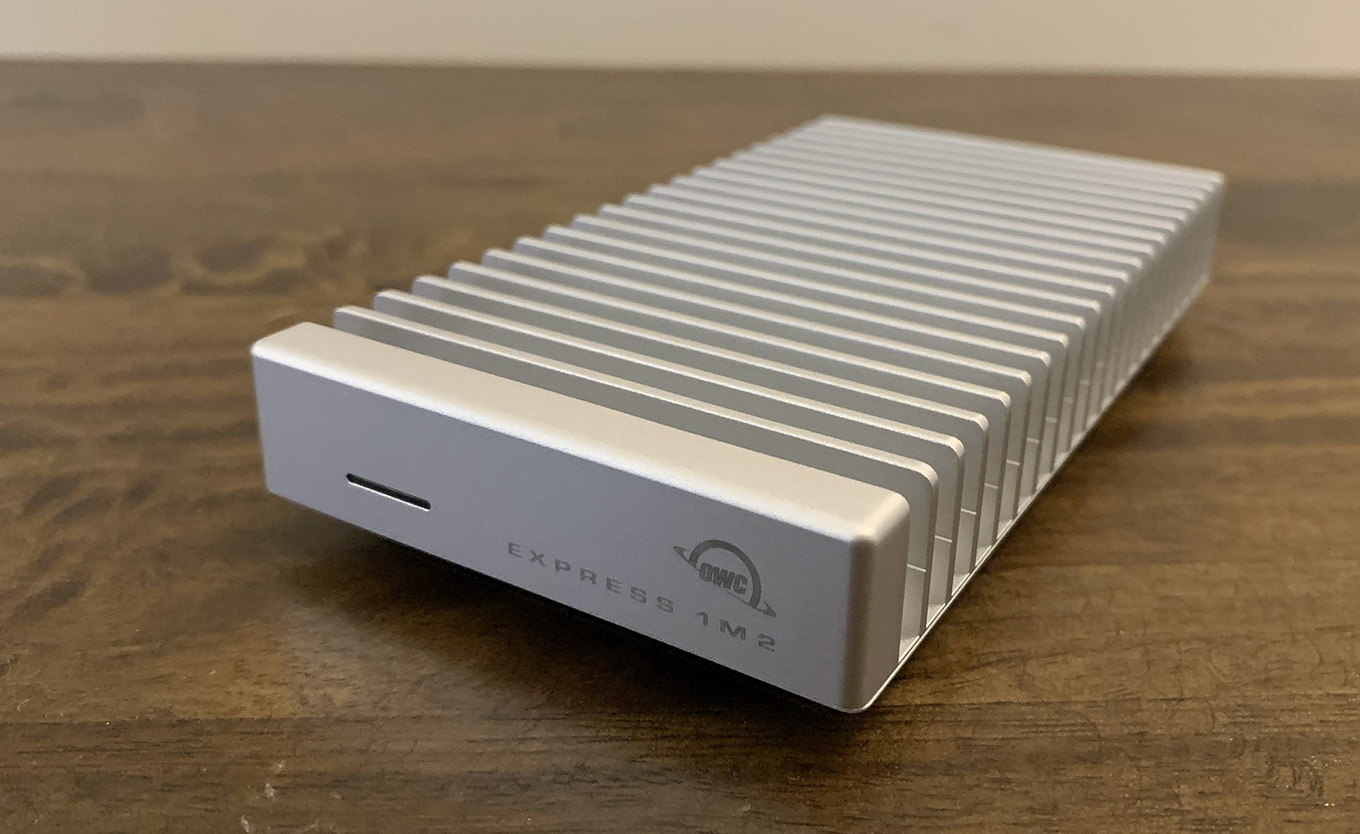
The OWC Express 1M2 is small, about the size of a deck of cards. Sporting a solid aluminum frame with fins that serve as a heat sink and connecting via USB 4, it delivers read and write speeds faster than Thunderbolt 3 or 4. This unit is faster than a Samsung T7 or T9, OWC Thunderblade, OWC Express 4M2 or OWC Envoy Pro FX. Really fast!
NOTE: However, on Mac Studios with a Max chip, you need to plug it into one of the USB-C ports in the back. The front ports are not as fast. Mac Studios with an Ultra chip don’t have this problem.
It is bus powered, which means you don’t need to plug it into the wall. (However, it only has one connection on the back, so this doesn’t support loop-through to another device.) It provides storage capacities from 1 – 8 TB. Or, if you prefer, you can get it empty and add your own NVMe M2 card.
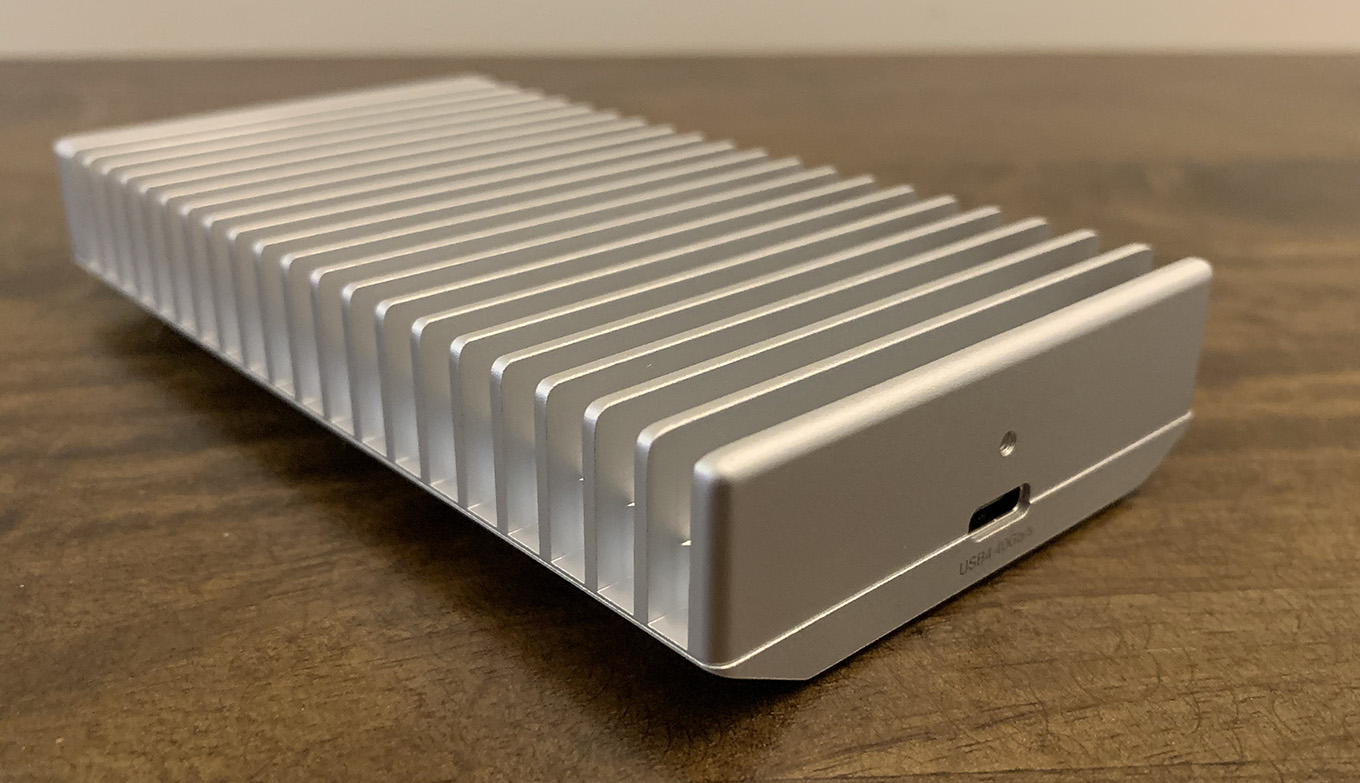
NOTE: This holds only one M2 SSD card. The DIY (Do It Yourself) version allows access to the innards to add or upgrade your own card; the fully built version does not.
The drive is equally at home on Windows or Mac computers. Setup takes about a minute and, after that, it acts like any other hard disk – except much, MUCH faster!
If you are looking for extremely fast, rugged storage that’s portable and built to last, the OWC Express 1M2 is where you should look first.
Manufacturer: OWC
Product: OWC Express 1M2
Website: https://eshop.macsales.com/shop/owc-express-1m2
Prices range from $119.99 (empty) to 1299.99 (8 TB)
Price as tested: $299.99 (2 TB)
Warranty: 2 or 3 years, depending upon configuration
IN THE BOX
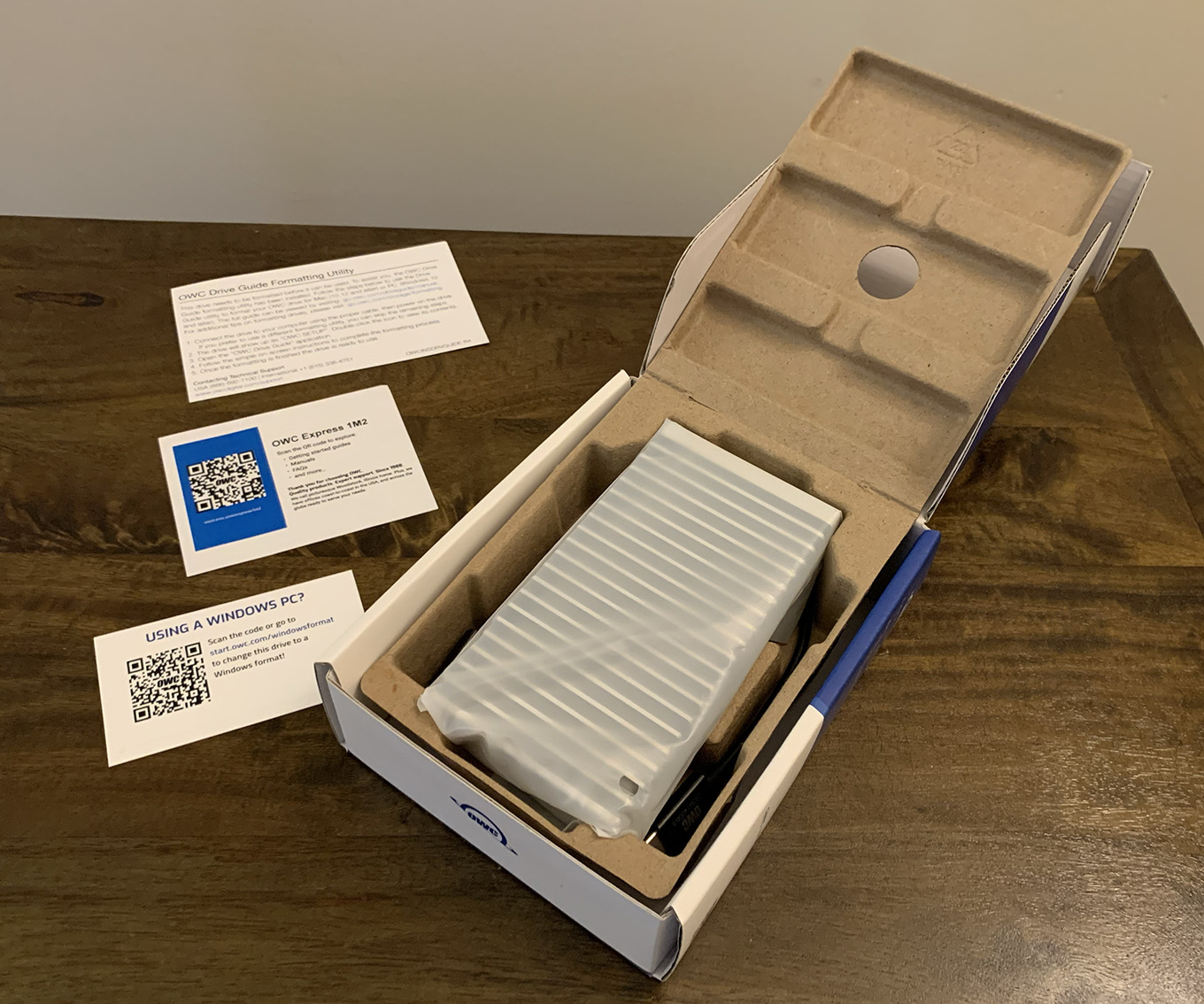
OWC continues their commitment to sensible packaging, removing unnecessary plastic. The unit was nicely snuggled in cardboard with three pieces of paper providing Quick Start instructions.
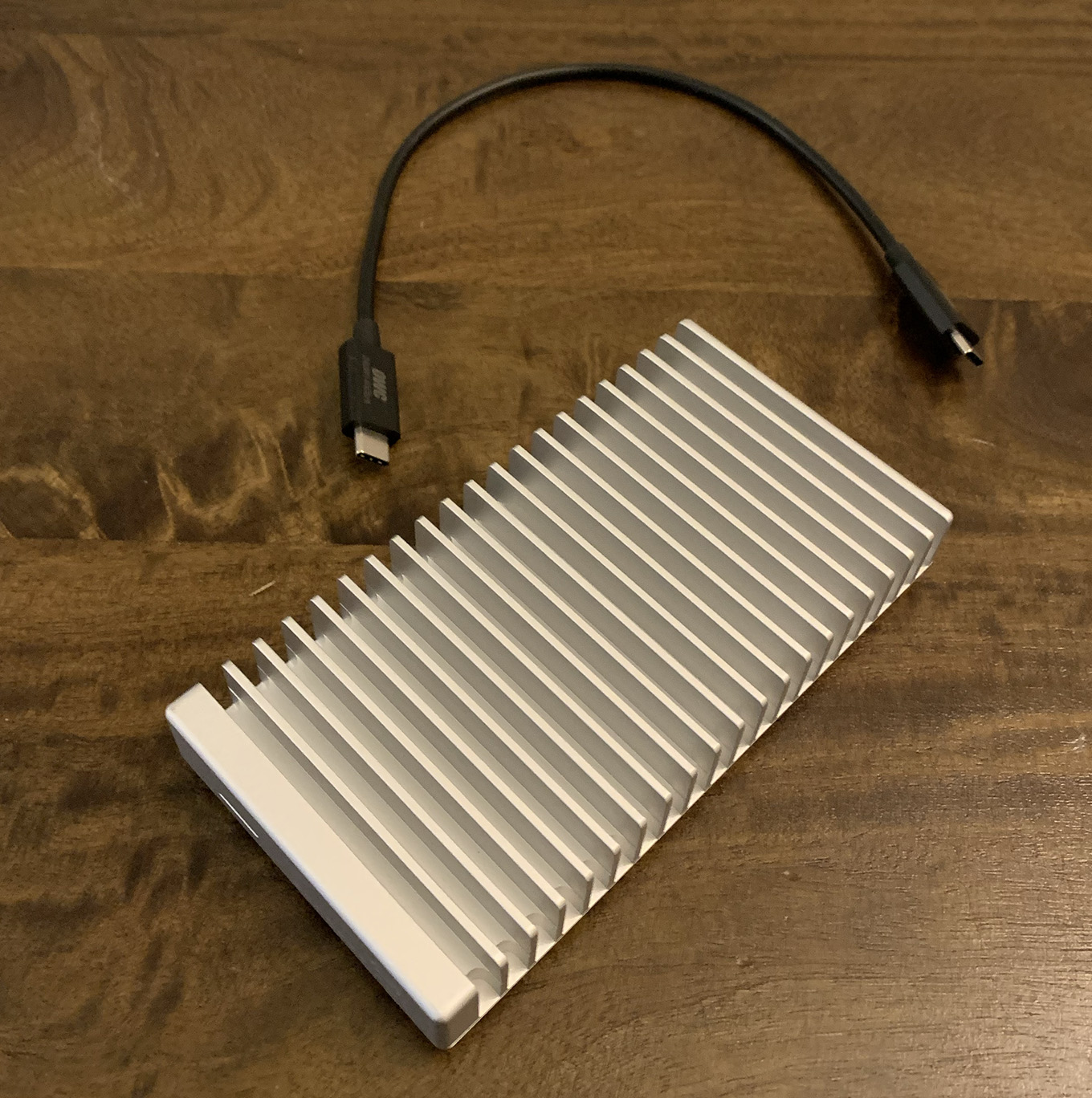
In the box itself were the Express 1M2 and a short 12″ (31 cm) USB-C cable.
Connect the cable between the Express and a USB-C port your computer and you are ready to format the drive.
FORMATTING
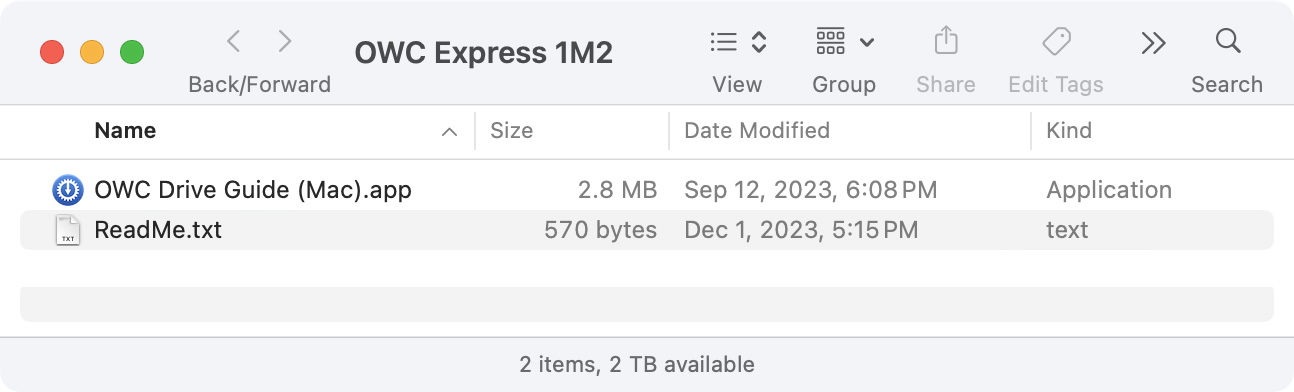
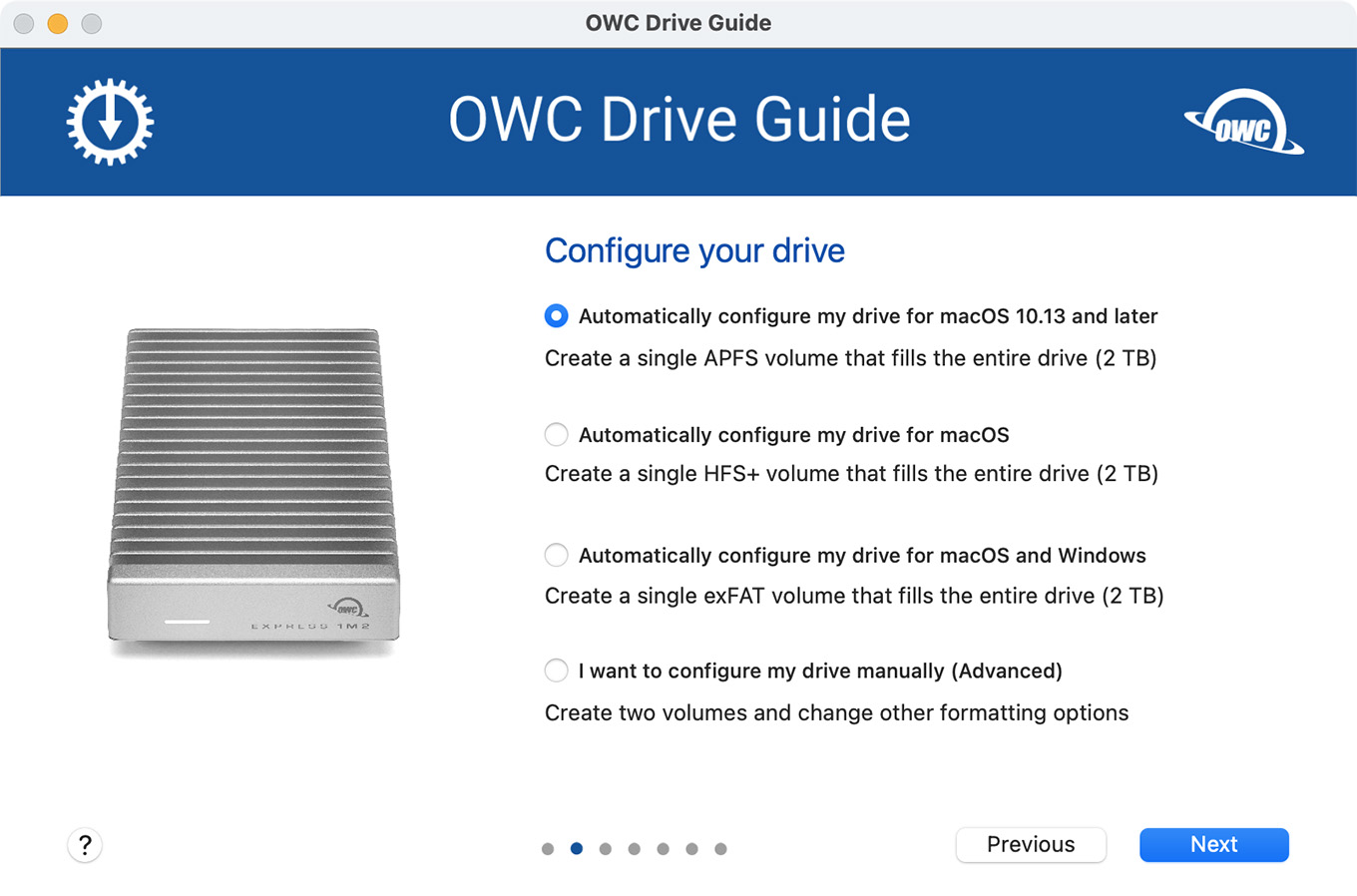
Macs need to format the drive as APFS. Windows users need to format it for Windows. The two file systems are not the same.
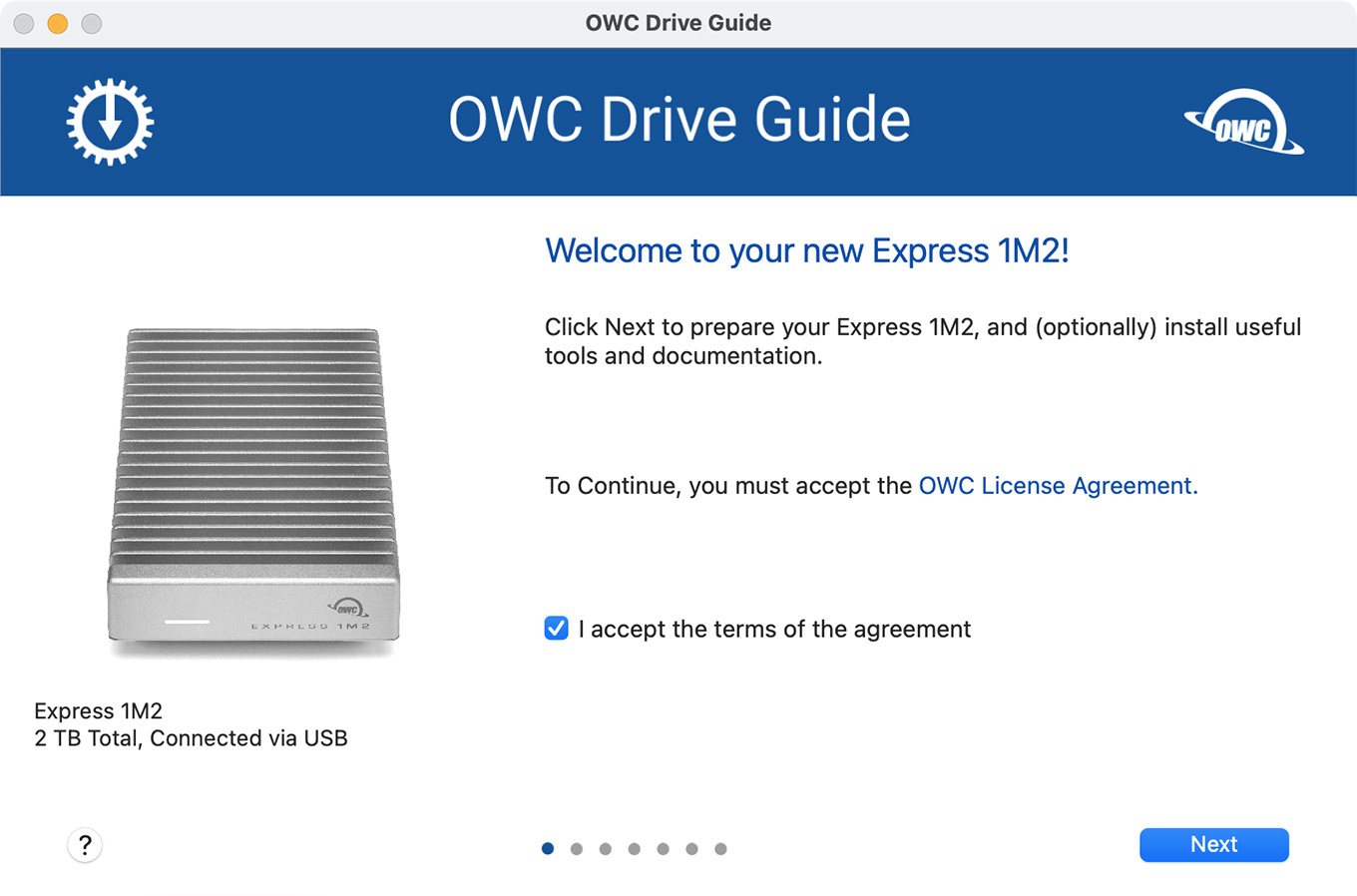
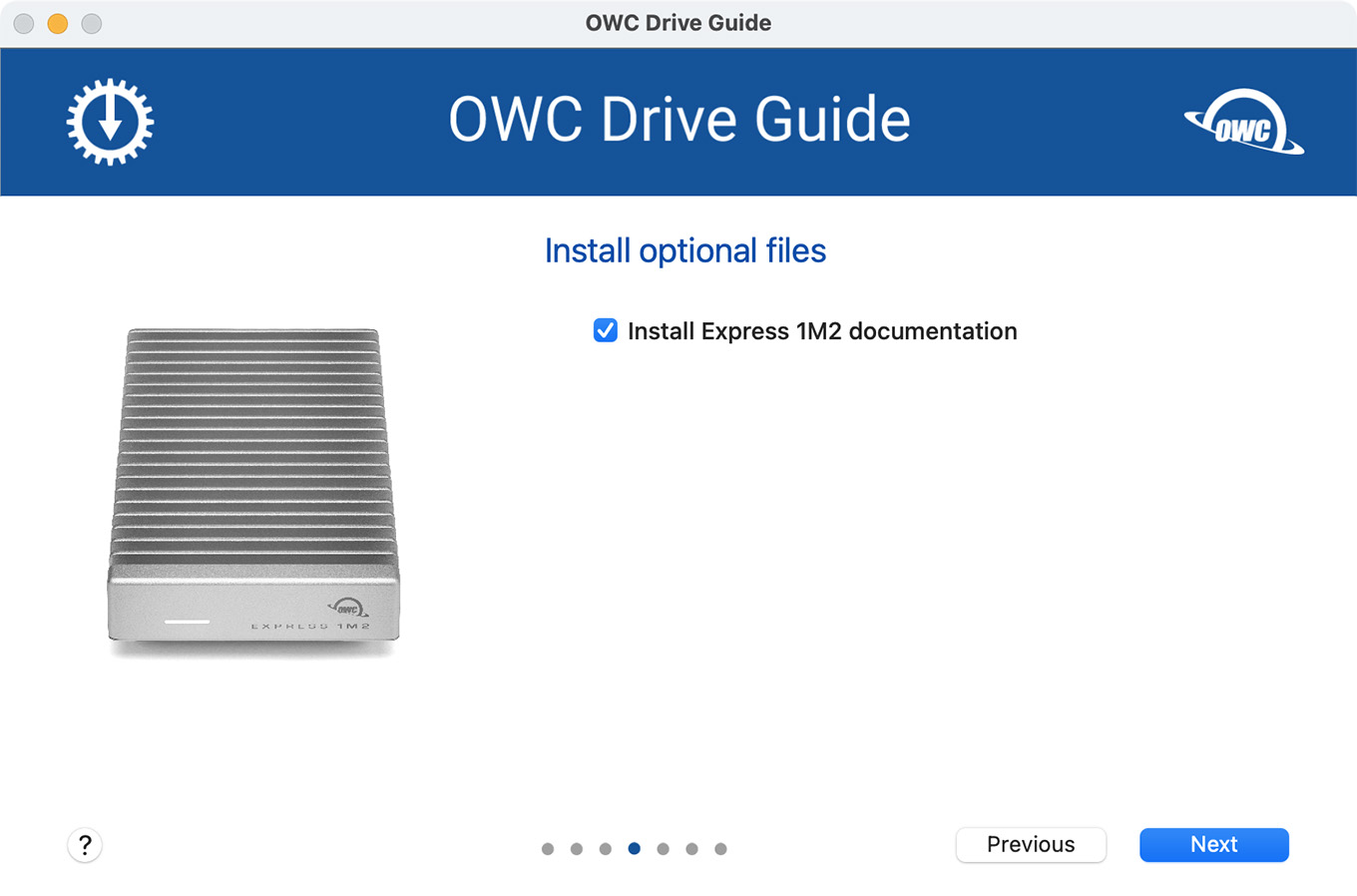
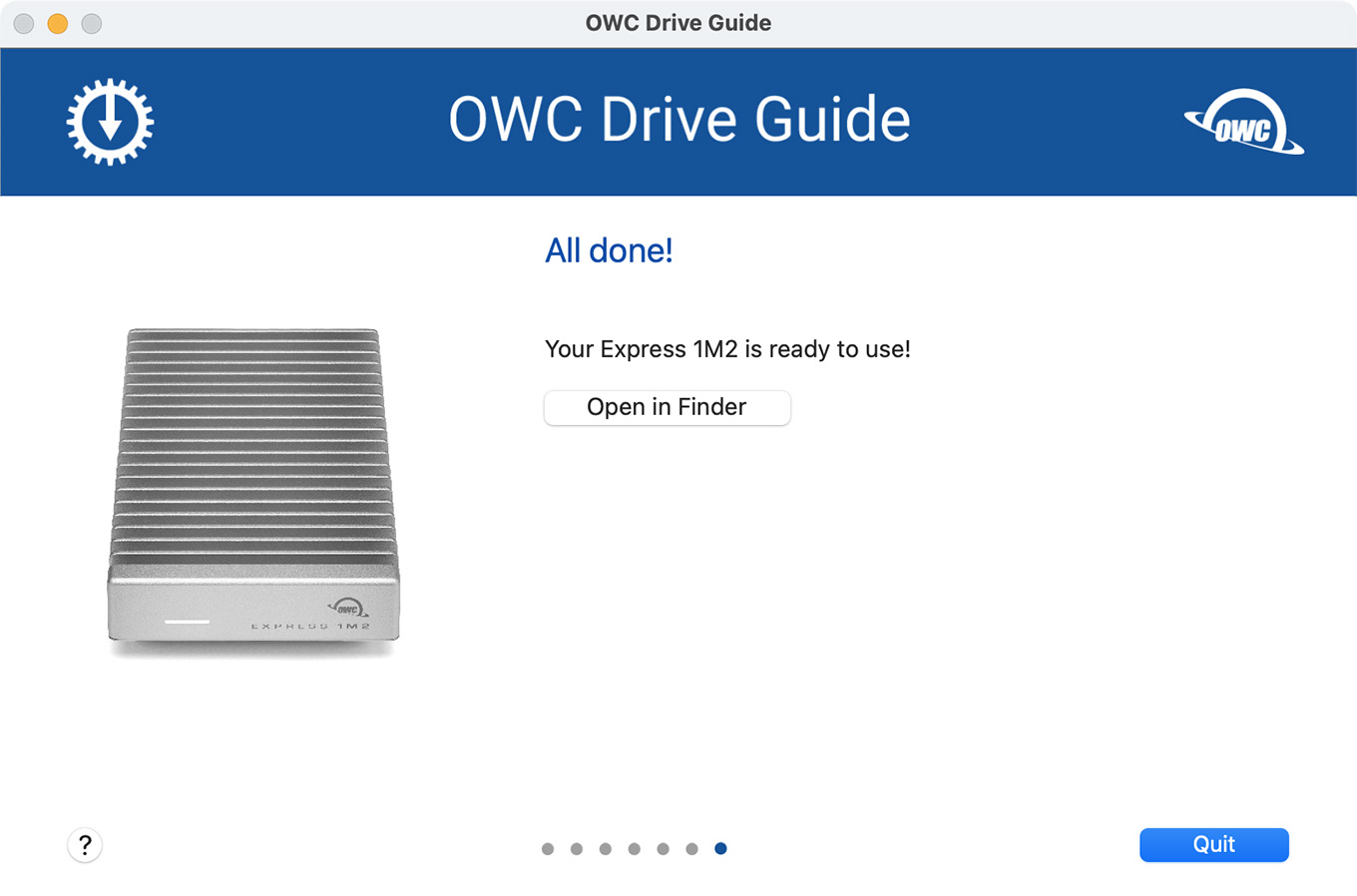
Double-click the OWC Drive Guide app and OWC handles formatting for you. Then, follow the on-screen guide, as shown below.
NOTE: Yes, you can reformat the drive using Apple’s Disk Utility if you need a specific configuration. I did this myself when reformatting the drive as ExFAT to test speeds.
To be absolutely clear, if you are on a Mac, run the OWC Drive Guide, accept all the defaults and get to work. It takes about a minute. You don’t need to overthink this.
SPEED TESTS
If you need really small and reasonably quick, get the Samsung T-9. BUT, if you need small, rugged and REALLY fast, that’s the Express 1M2. (The Express 1M2 is about 2.5X faster than the Samsung T9. You’ll appreciate the extra speed in multicam editing.)
I tested this on a M2 Max Mac Studio, running macOS Sonoma 14.2.1
(Click to see larger image.)
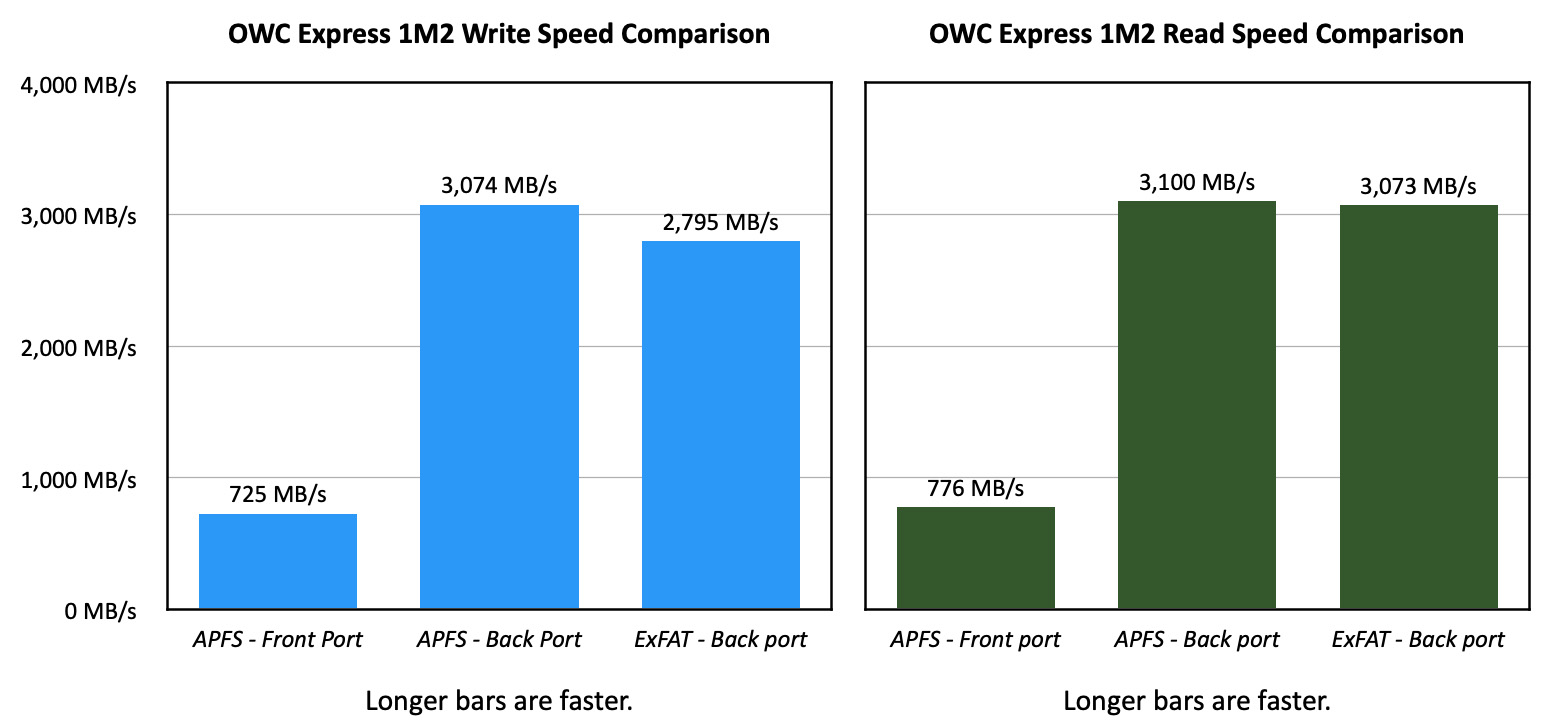
I first plugged this into one of the front USB-C ports of my Mac Studio and was deeply distressed to see speeds hovering well below 800 MB/second. Harumpf!
NOTE: I did not realize/remember that the front USB-C ports are far slower than the back USB-C ports. I will remember that for the future.
Then, I thought, what if I plug it into a back USB-C port? … WOW! Speeds skyrocketed. When formatted using APFS, read speeds were 3,100 MB/second! This is 9% faster than Thunderbolt 3/4. Write speeds were very close to that as well: 3,074 MB/second.
NOTE: I couldn’t equal the 3,151 MB/second top speed that OWC reported on its website, but we only differed by 1.6%. Close enough.
Another concern I had was whether there was a speed difference if the drive was formatted using ExFAT. The answer, as shown in the charts above, is yes. ExFAT is:
So, if you only need to use this drive on a Mac, format it as APFS. (This is the format OWC uses in its Drive Guide app.) If you need to move it between Mac and Windows, format it as ExFAT. This will still be really fast – just not quite AS fast.
(Click to see larger image.)
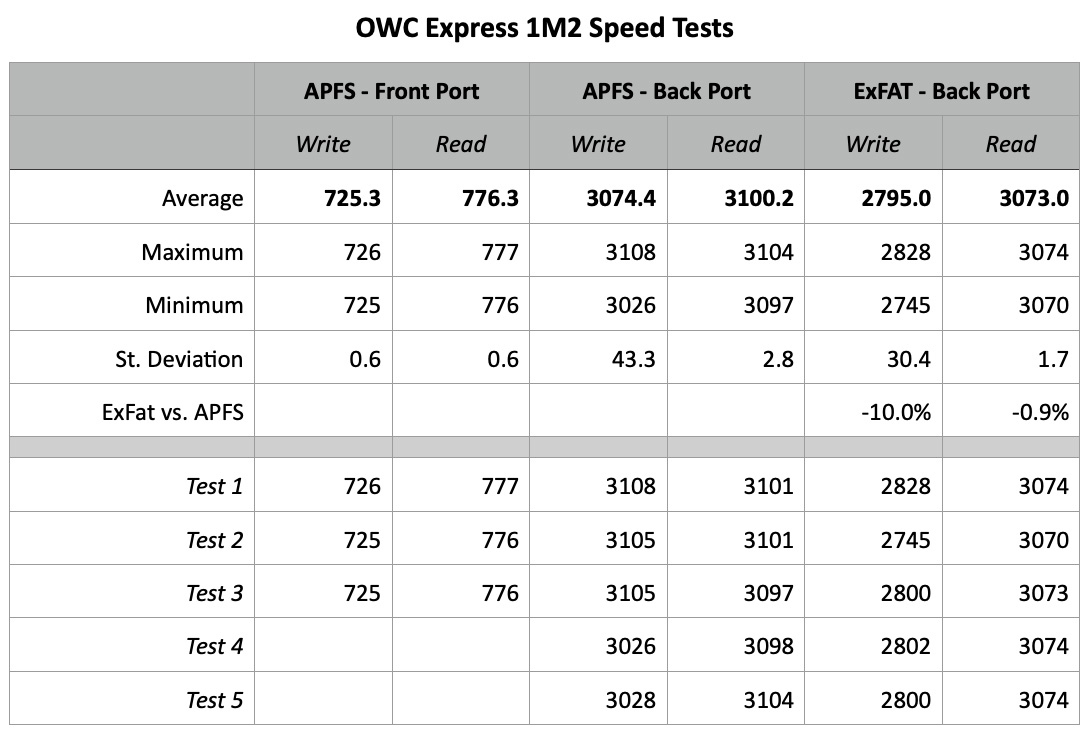
Here are the results of my tests, for those that like numbers. (The smaller the St. Deviation, the less variation in speed between the different tests; that is, lower Standard Deviation numbers means more consistent performance.)
SUMMARY
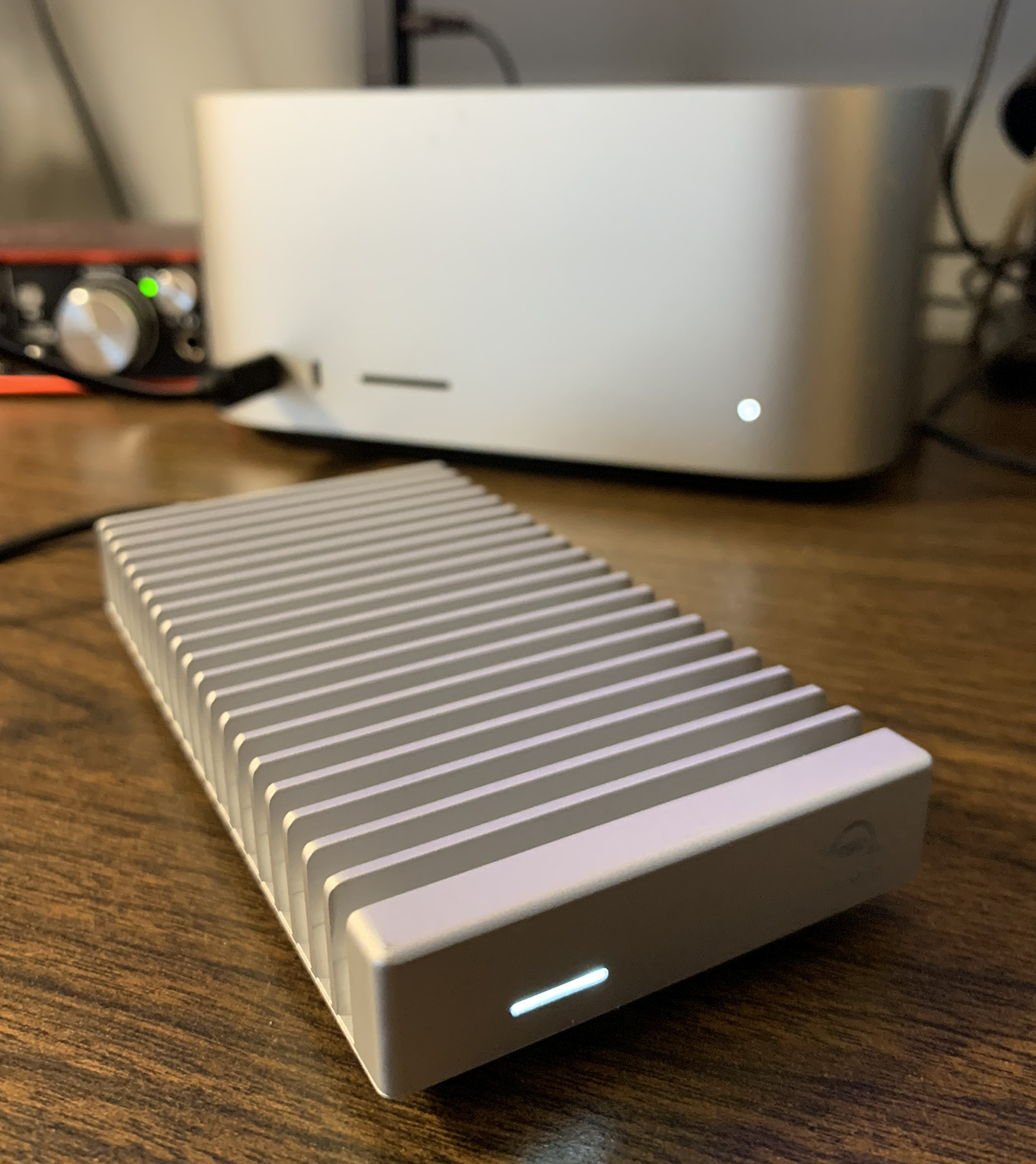
The OWC Express 1M2 is the fastest external drive I’ve ever tested. It is faster than Thunderbolt 3 or 4. If you get the DIY version, you can even upgrade the internal card as technology continues to improve.
For speed, solid construction, ease of use and portability, the OWC Express 1M2 is amazing. Faster than Thunderbolt, about the size of a deck of cards, and fits in your pocket. Oh… and no power brick.

2,000 Video Training Titles
Edit smarter with Larry Jordan. Available in our store.
Access over 2,000 on-demand video editing courses. Become a member of our Video Training Library today!
Subscribe to Larry's FREE weekly newsletter and
save 10%
on your first purchase.

24 Responses to Review: OWC Express 1M2 – A New Speed Champion
Newer Comments →-
 Sjoerd de Vries says:
January 1, 2024 at 5:31 am
-
 Larry Jordan says:
January 1, 2024 at 5:47 am
-
 Matt says:
January 1, 2024 at 2:31 pm
-
 Seth L. Mellman says:
January 2, 2024 at 5:23 am
-
 Larry Jordan says:
January 2, 2024 at 3:02 pm
-
 Larry Jordan says:
January 2, 2024 at 3:03 pm
-
 V.Hemmerlé says:
January 3, 2024 at 12:29 am
-
 Wayne Kurtz says:
January 5, 2024 at 10:57 am
-
 Larry Jordan says:
January 5, 2024 at 12:18 pm
-
 Mark Bashian says:
January 8, 2024 at 3:32 pm
Newer Comments →Happy new year,
I wanted to buy (because of the cooling as I see in the pictures) this in Europa but it is not on the markert yet, even not at Amazon
I have the MacStudio Ultra and you can punt it on the front, they are USB-4/Thunderbolt 4
Sjoerd:
Good point. The front ports on the Ultra are faster than on the Max.
Larry
Ultra vs Max chip, it’s a designed spec difference on those front/back ports. It’s my only regret going with the Max and not the Ultra. Who knew I’d miss the speed on those front ports?
We loved the Envoys, but had to jump to the Express 4M2 for better cooling. (overheating would cause a dismount at the worst times). I’m really anxious to stress test these to see if those huge fins overcome the overheating issues we were fighting before moving to the 4M2.
Happy New Year! Always appreciate your reviews of OWC products as I have depended on them for years. Just curious, if the new Express 1M2 is faster than the Envoy Pro FX, why do you think the Envoy still retails at a higher price from OWC?
Thanks.
Seth:
Good question, but pricing is up to OWC. I don’t have a clue.
Larry
Matt:
Good comments on both heat and the value of the Ultra chip. Let us know how your stress testing goes.
Larry
Hi there Sjoerd,
You can order it in Holland like I did. (onlinemacwinkel.nl)
I will be returning mine as it doesn’t give me any benefit compared to my Acasis TBU 405 pro M1. (active cooled)
Still using my older Samsung 970 Pro 1tb drives as I will stick with MLC V-Nand because they are more reliable.
One thing I don’t like of the OWC is that the internal drive will not be recognized by Samsung Magician software so updating the firmware and activating over-provisioning will not work. The quality of the OWC is great but when you have a laptop like I do with thunderbolt 3 ports the speed is very slow. The problem is the limitation of thunderbolt and usb 4 devices so not the OWC it self.
I also have a Macbook pro M1 max and there the benefit is a bit better compared to the Acasis but not much. But like I said the Samsung 970 1 tb is an older Nvme so newer Nvme drives are a lot faster these days and the results can be different.
Amazing information! I had just ordered the EnvoyPeo Fx, guess I will wait until this becomes available in Canada.
Happy New Year
Wayne:
You won’t be disappointed in the Envoy Pro FX. It is almost as fast as the 1M2, with full Thunderbolt support.
Larry
Hi Larry – Similar question/comment as Wayne… we currently have multiple Envoy Pro FX we use with the 12G Blackmagic Video Assists – and they are great. I would appreciate some type of clarification about the differences/pros/cons between the Envoy Pro FX and the 1M2 from OWC. If you did a short article summary with one of your OWC contacts, I would be very interested to hear what they say regarding these two products. Best, Mark