
 “Change is the only constant in life” is a true saying. But, when it comes to operating system upgrades, I tend to be far from the bleeding edge.
My attitude is that, as editors, our role in life is to tell stories using moving images, not beta test software. While I tend to update applications within a couple of days after release, I take much more time before upgrading the operating system.
That’s because the operating system is the foundation of everything we do on our computers. It truly is the brains behind the whole operation; the CPU is simply carrying out instructions. If macOS breaks, or has significant bugs, our computers become essentially non-functional.
I don’t need that level of stress.
Like most of us, I read Mac-oriented websites to see what problems other people are having to determine how significant any issues might be. Not all bugs are life-threatening.
Over the years, I’ve developed a personal rule that I don’t update any version of the macOS until Apple releases a .1 update. (In the case of Big Sur, which had a ton of initial problems, I waited until the .2 update was available.)
The good news is that waiting doesn’t hurt anything. There are no new features in Final Cut, Premiere or Resolve that suddenly “appear” with an update.
NOTE: However, that’s not true with the shift to Apple Silicon, where there are features supported in Apple Silicon computers that don’t exist in Intel-based systems.
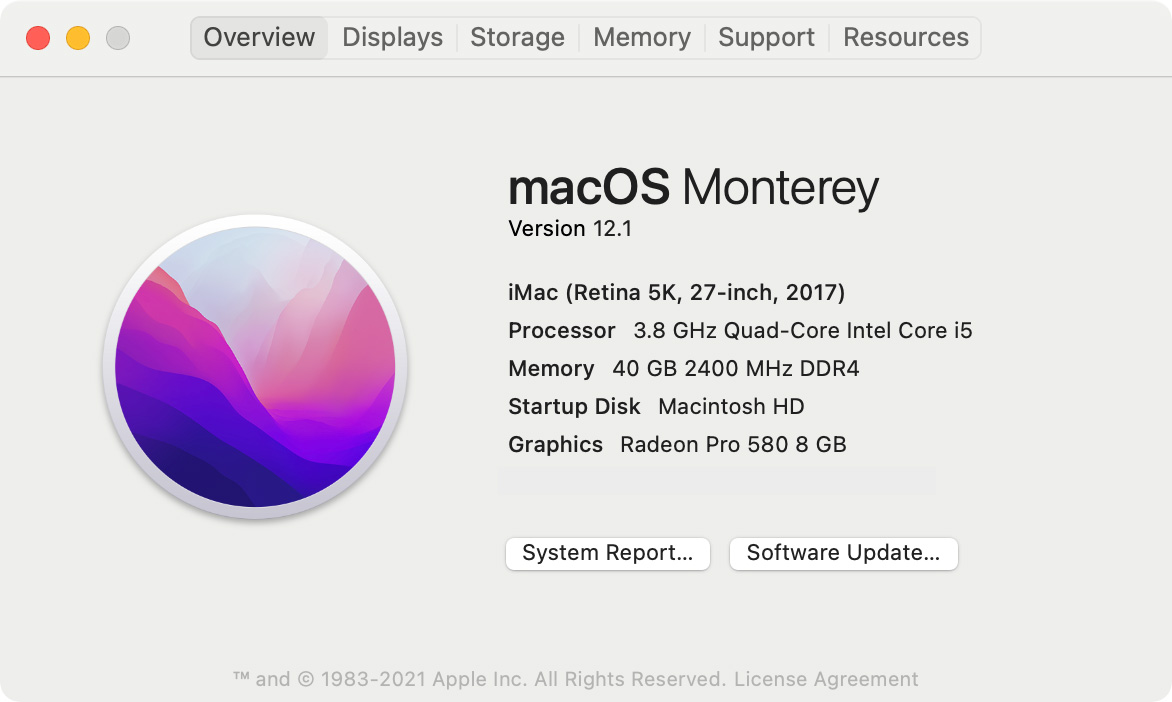
So, a couple of weeks after Apple released macOS 12.1 (Monterey), I finally upgraded.
EXECUTIVE SUMMARY
Premiere Pro, Final Cut Pro, and DaVinci Resolve all seem to work OK. I had a few minor problems – detailed in the Notes section below – but haven’t encountered anything major. However, prior to updating the OS, I also updated all my applications to make sure I was running the latest version of everything.
The main reason I’m writing this tutorial is to provide an opportunity for you to add comments discussing any problems you discovered in your upgrade.
NOTE: As with any upgrade, if there is software you absolutely depend upon, be sure to visit the developer’s website to verify it will work properly on macOS Monterey before upgrading.
THE PROCESS
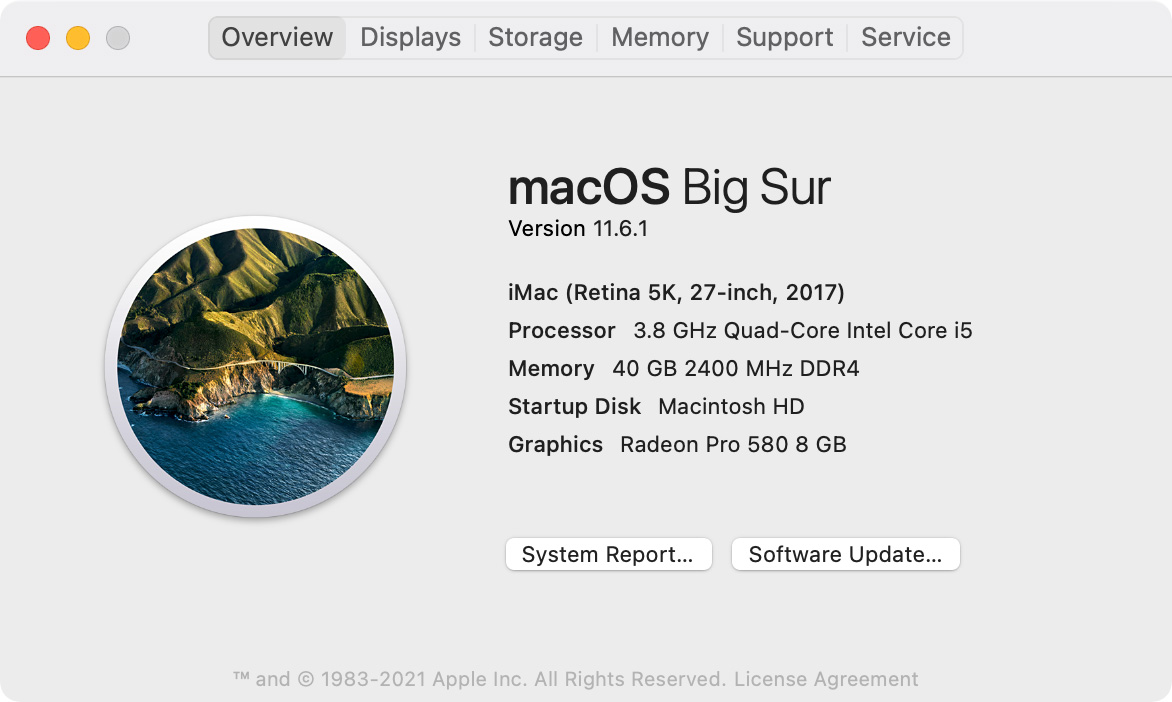
My 2017 iMac – which is my main system until Apple releases the long-rumored 27″ M1 iMac – was running Big Sur 11.6.1.
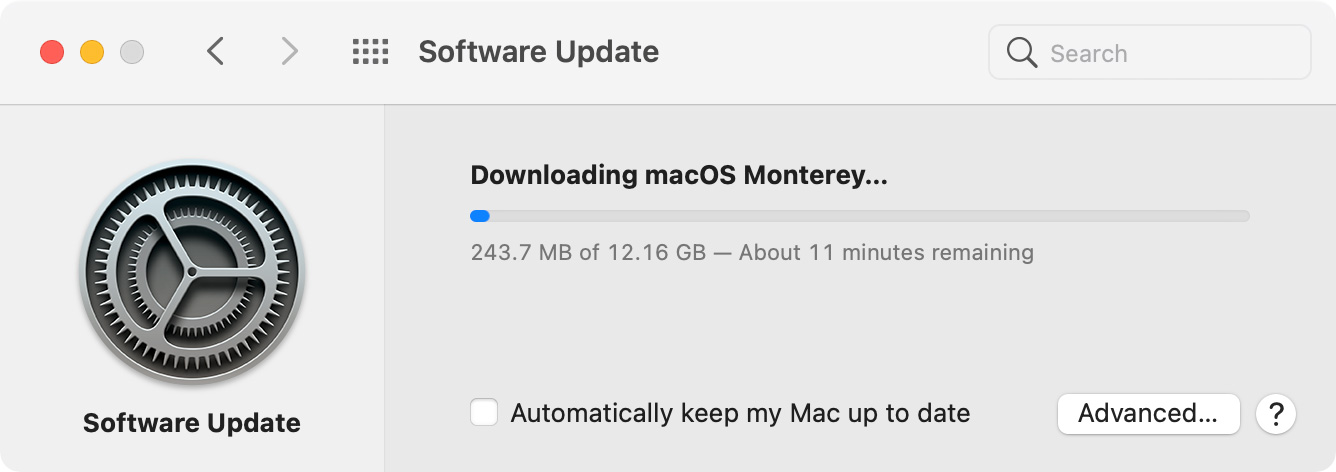
Go to System Preferences > Software Update to begin the upgrade process.
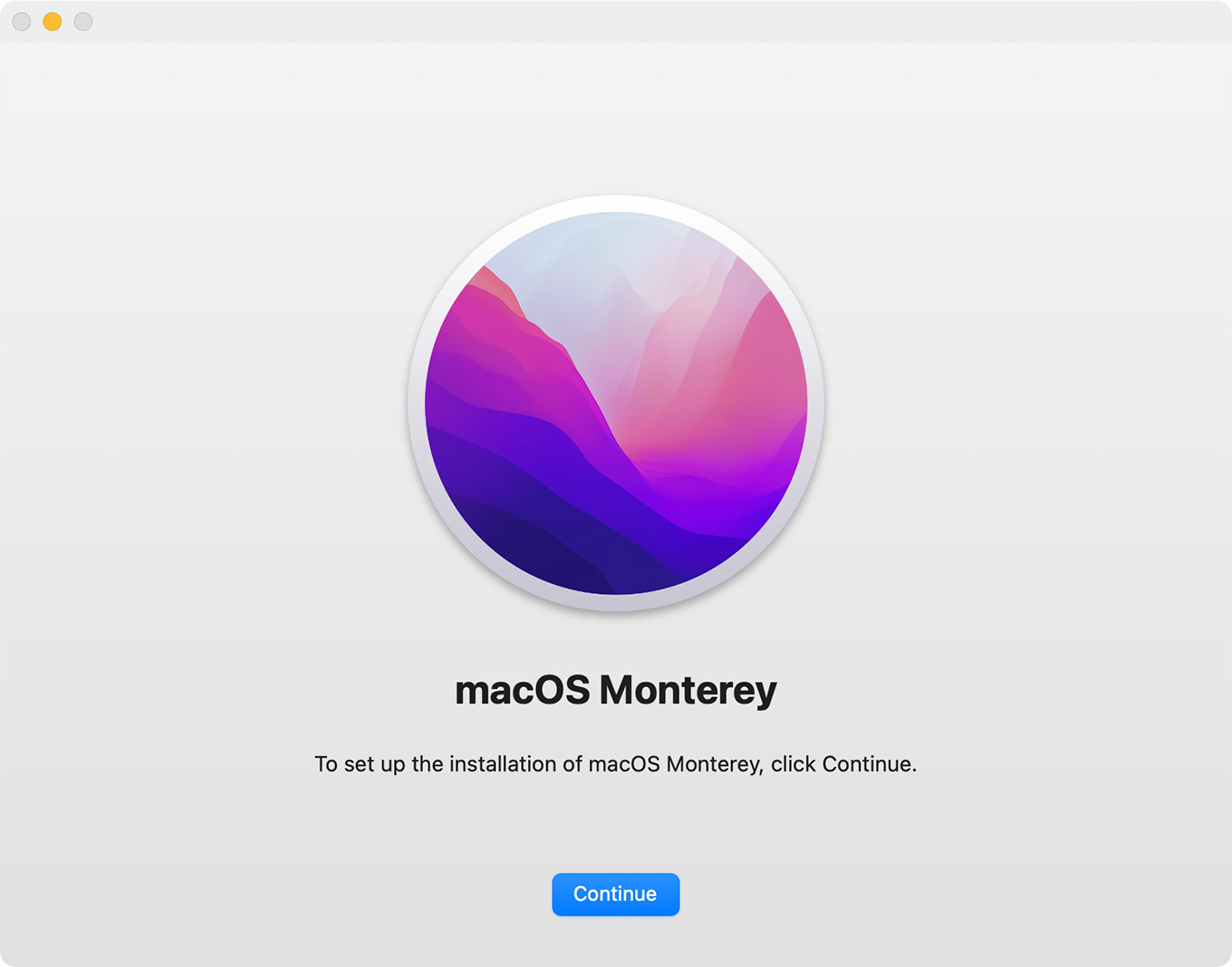
The initial download is fairly quick and this screen appears. Click Continue.
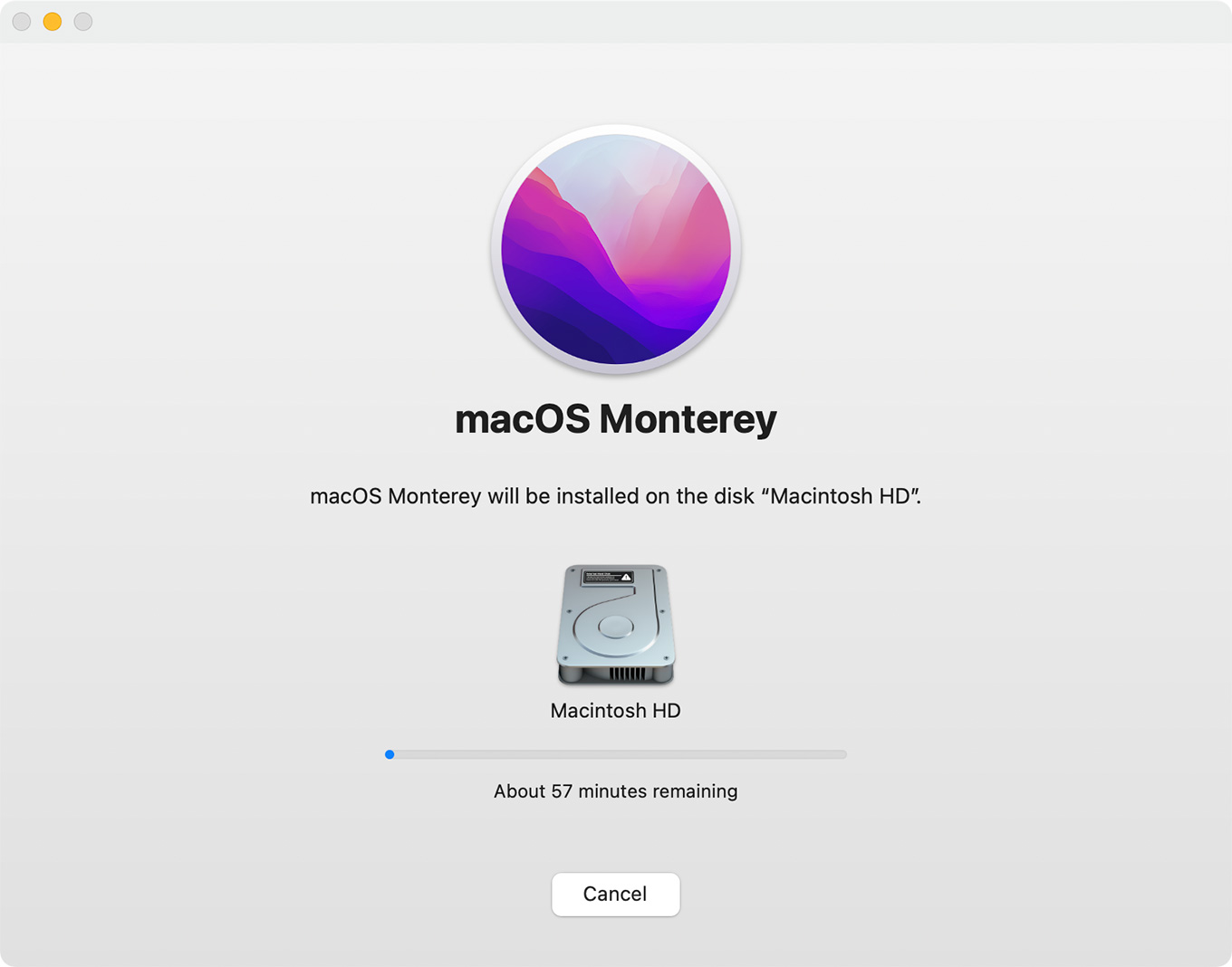
Specify where you want to install the new software. In virtually all cases, you’ll put this on your internal drive – Macintosh HD.
The full download takes a while, depending upon the speed of your Internet connection and the activity of Apple’s servers. For me, this download took slightly longer than an hour.
After the download was complete, the installation itself started. That took about two hours. There was nothing I needed to do, except check the system every once in a while to see if things were done.
NOTES AFTER THE UPDATE
I noticed several minor things changed after the update.
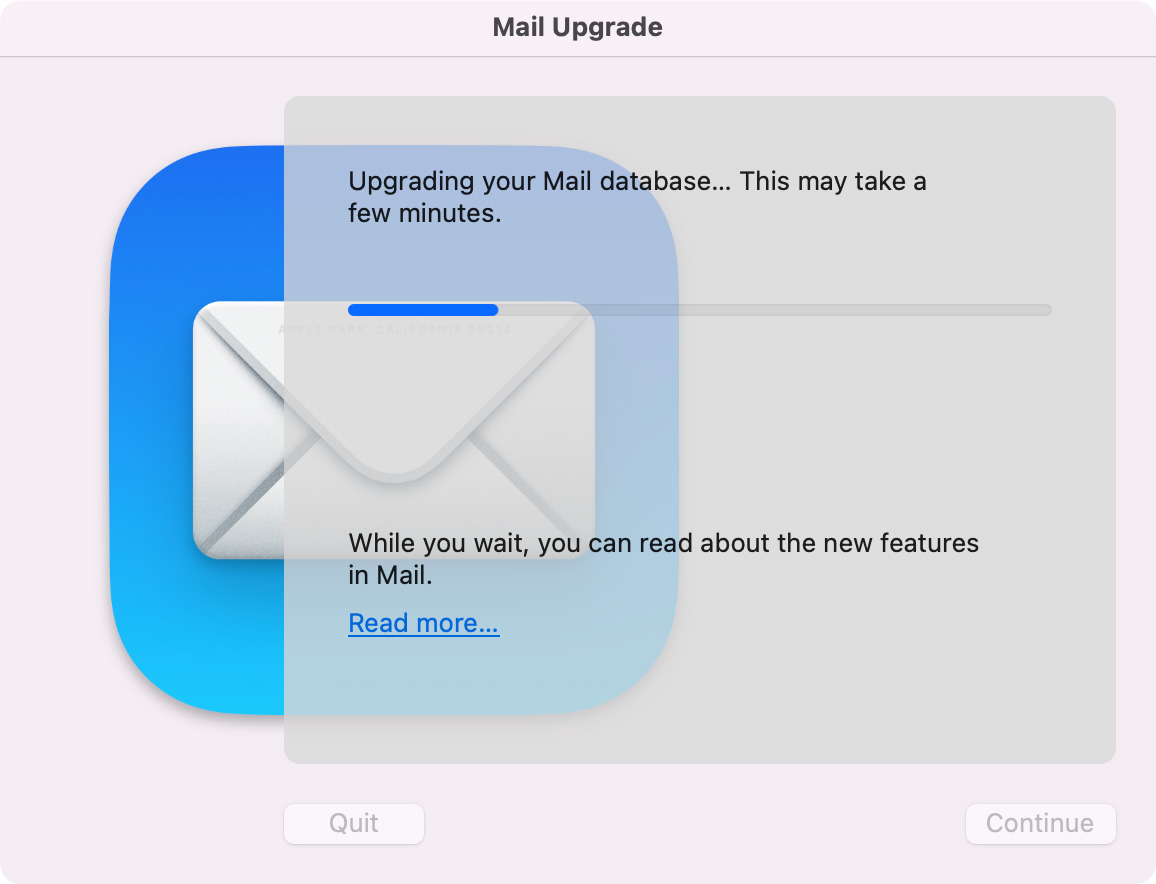
First, Apple Mail, which I use as my email client, needed to reindex all my emails.
I reset my desktop picture because I don’t particularly like the strong graphics used by macOS Monterey.
I use a FocusRite A/D converter to connect all my analog gear to my computer via USB. It seems that this connection now needs to be reset on a daily basis. (To do this, simply unplug the USB connection into the back of the computer, wait 15 seconds, then reconnect it.)
The update also seemed to reset all my Final Cut Pro preferences.
However, as far as my existing editing software was concerned, everything seems to run the same as always. Which was a great relief.
NOTE: I should mention that I upgraded all my applications as updates became available, in the weeks prior to upgrading to Monterey. There were only a couple apps that needed to be updated after Monterey was installed.
UPDATE – Jan. 11, 2022
Philip Snyder writes:
Just wanted to let you know that since upgrading my 27″ 2019 iMac to 12.1 Monterey, I’m unable to burn a Blu-ray disc. I’m using Compressor 4.6.
My workflow is to export a ProRes 422 file and put that into Compressor to create a Blu-ray Disc Image. After burning, the media is indicated on the disc by the 453.6 MB file size. Yet my Blu-ray Disc player shows a blank disc.
When I burn a DVD with the same ProRes 442 file, it works. In addition, when I burn Blu-ray from a Disc Image made before I upgraded to Monterey, it works too.
I’ve consulted Apple tech support and they’re researching the problem. I know many filmmakers don’t make Blu-rays anymore but I’d still like to have that option.
SUMMARY
From beginning to end, the entire upgrade process took about four hours.
So far, five days after the update, everything seems to be working fine. Please share your experiences in the Comments, below.

2,000 Video Training Titles
Edit smarter with Larry Jordan. Available in our store.
Access over 2,000 on-demand video editing courses. Become a member of our Video Training Library today!
Subscribe to Larry's FREE weekly newsletter and
save 10%
on your first purchase.

33 Responses to I Just Upgraded to Monterey – Here’s What I Learned
← Older Comments Newer Comments →-
 Larry says:
January 3, 2022 at 7:55 am
-
 Mark V. Fusco says:
January 3, 2022 at 10:48 am
-
 David Gaudio says:
January 3, 2022 at 11:51 am
-
 Larry says:
January 3, 2022 at 12:08 pm
-
 Larry says:
January 3, 2022 at 12:09 pm
-
 Yurie Manning says:
January 3, 2022 at 2:04 pm
-
 Larry says:
January 3, 2022 at 2:09 pm
-
 Gary Underwood says:
January 4, 2022 at 9:28 am
-
 Larry Jordan says:
January 4, 2022 at 10:35 am
-
 Chris Mags says:
January 5, 2022 at 3:31 pm
← Older Comments Newer Comments →Gerry:
I understand your reluctance. This is a key reason behind why I wait so long to update. There’s no rush to upgrade. If your system is running fine now, leave it alone.
Larry
I upgraded to Monterey on my main system (Late 2015 27″ iMac) about a month ago. I upgraded my 2017 13″ MBP pretty soon after Monterey came out. I haven’t experienced any major issues on either system. I intentionally waited on the iMac to make sure I wouldn’t have any issues with FCP. the .1 update did make some visual changes to buttons here and there, but nothing major.
Hi Larry – I had a terrible upgrading experience! Mind you, I was going from Mojave to Monterey, so that’s a big leap, but I lost the functionality of my secondary display (apparently, a known issue with Monterey), and the video inside my Premiere Pro app wasn’t working! Fortunately, I had my Carbon Copy Cloner backup drive, so back to Mojave I went, but not before having to call Apple about my backup drive being an “Incompatible disk.” Got that sorted out, fortunately. I’ll be waiting on the new iMac with the M2 chip that’s supposed to come out this new year, but I’m never upgrading this 2017 5K Retina iMac again!
David:
Sigh… I’m sorry for all the hassle. Upgrading can be traumatic. Going from Big Sur to Monterey wasn’t a big deal. But going from Mavericks to whatever following I thought was going to kill me. All those 32-bit apps that needed to be tracked down and updated, along with 32-bit media. What a mess.
Thanks for sharing your thoughts.
Larry
Mark:
Thanks for adding your thoughts. Big Sur to Monterey isn’t too bad. But earlier versions to Monterey are, ah, challenging.
Larry
Thank you, Larry.
Until I read your article, I was not sure about updates because I have many works with adobe creative cloud.
I think it’s time to update.
Yurie:
Everyone’s situation is different. However, if you are moving from Big Sur to Monterey, it should be OK. Its moving from earlier version of macOS to Monterey that cause problems.
Larry
Where can I find info on upgrade from Catalina to Big Sur. I just need to get my MacBook running the same FCPX version as my iMac. Using Monterey at work and it seems to be fine – but not ready to make that leap on my personal stuff. Thanks as always. Gary
Gary:
Because you want to upgrade to a version of the macOS that is no longer current, you’ll need to contact the genuis’ at a local Apple Store.
They can make that happen for you.
Larry
I recently went looking for a Big Sur update and could not get it to work through the App Store. I found this link and things are up and running great so far with no current issues.
https://www.techspot.com/downloads/1928-macos-big-sur.html